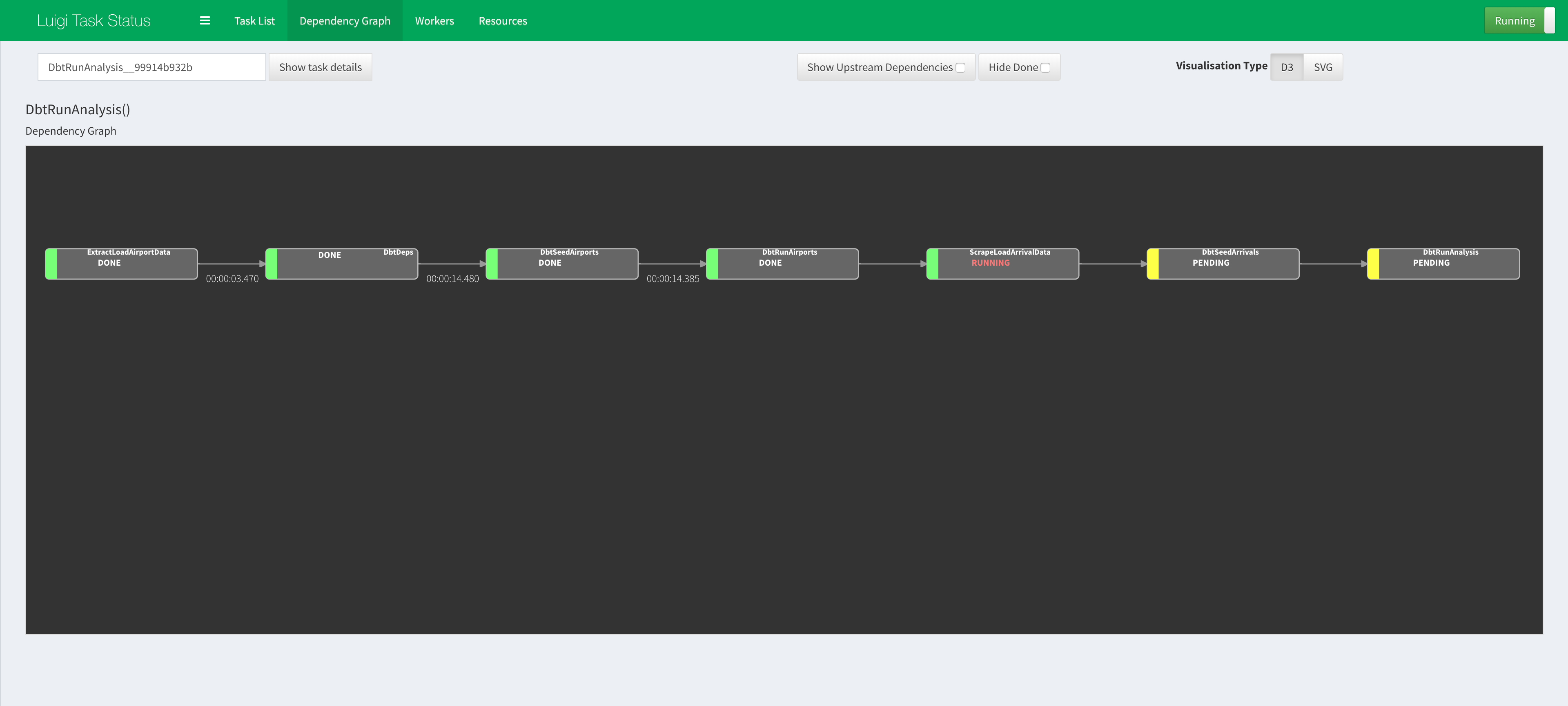
Visualising Luigi Workflow Orchestration
Step 1. Start Luigi daemon
- In a separate terminal session (make sure to enter your virtual env if you have one), start up the Luigi daemon:
$ luigid
Step 2. Open the Luigi web visualiser
- In a browser, go to http://localhost:8082
Step 3. Start the Luigi workflow
- Instead of executing the command which uses
--local-schedulerin the original Step 2.1 in the main README.md, use--scheduler-hostand specifylocalhost:$ python workflow.py --scheduler-host localhost DbtRunAnalysis
Step 4. Refresh and view the Luigi web visualiser
- Go back to http://localhost:8082 in the browser and refresh the website.
- You should be able to navigate around and find the Dependency Graphs for the tasks that are executed.